If you’re still using cable TV in your waiting room, you could be missing a major marketing opportunity (and wasting a ton of money at the same time).
In this episode of the Dr. Marketing Tips Show, Jennifer and Corey break down a real-world case study that shows how one large orthopedic group slashed costs in half and gained full control over their in-office messaging.
They discuss how this simple switch from generic cable programming to a streamlined lobby loop led to $5,000 in annual savings and more effective promotion of ancillary services, community involvement, and upsell opportunities.
Whether you’re looking to ditch trash TV, reinforce brand trust, or subtly educate patients while they wait, this episode is packed with low-lift, high-impact ideas that can make a difference today.
Tune in to Discover:
- How replacing cable saved one practice over $5,000/year
- What to include (and not include) in a lobby video loop
- Ways to subtly upsell services without making your staff feel like salespeople
- Creative, non-video ideas to keep things fresh, low-cost, and effective
- Real examples of practices using slideshows, local footage, trivia, and more
Resources & Links:
Want to see examples of what we’re using in client lobby loops? Contact us for a behind-the-scenes look.

Subscribing and Rating Our Podcast
If you like what you heard, please take a few seconds and subscribe, rate and review our show on Apple Podcasts. Here’s how:
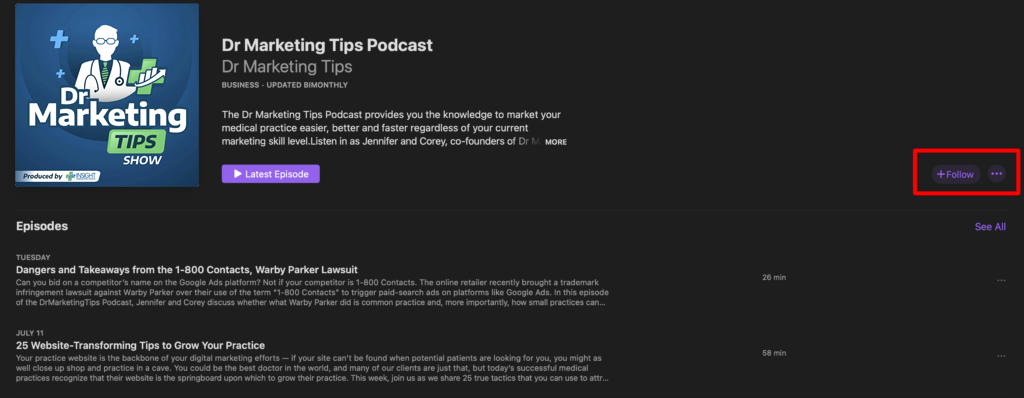
Subscribe
To subscribe, click this link to open Apple Podcasts on your computer and then click “Listen on ” button next to the artwork. This will redirect to the Apple Podcasts app where you click the “+Subcribe” button on the righthand side.
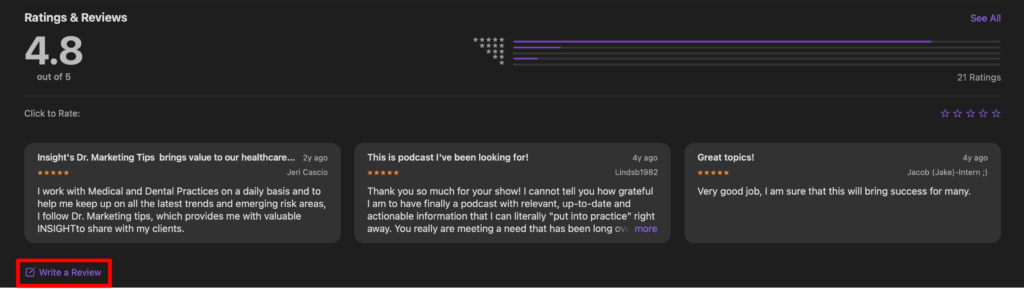
Ratings and Reviews
To leave us a rating and review, scroll down to the “Ratings and Reviews” section below the episode listings. Then, you can click the button that says “Write a Review” and proceed to give us 5 stars *wink*.